 Do With Claude
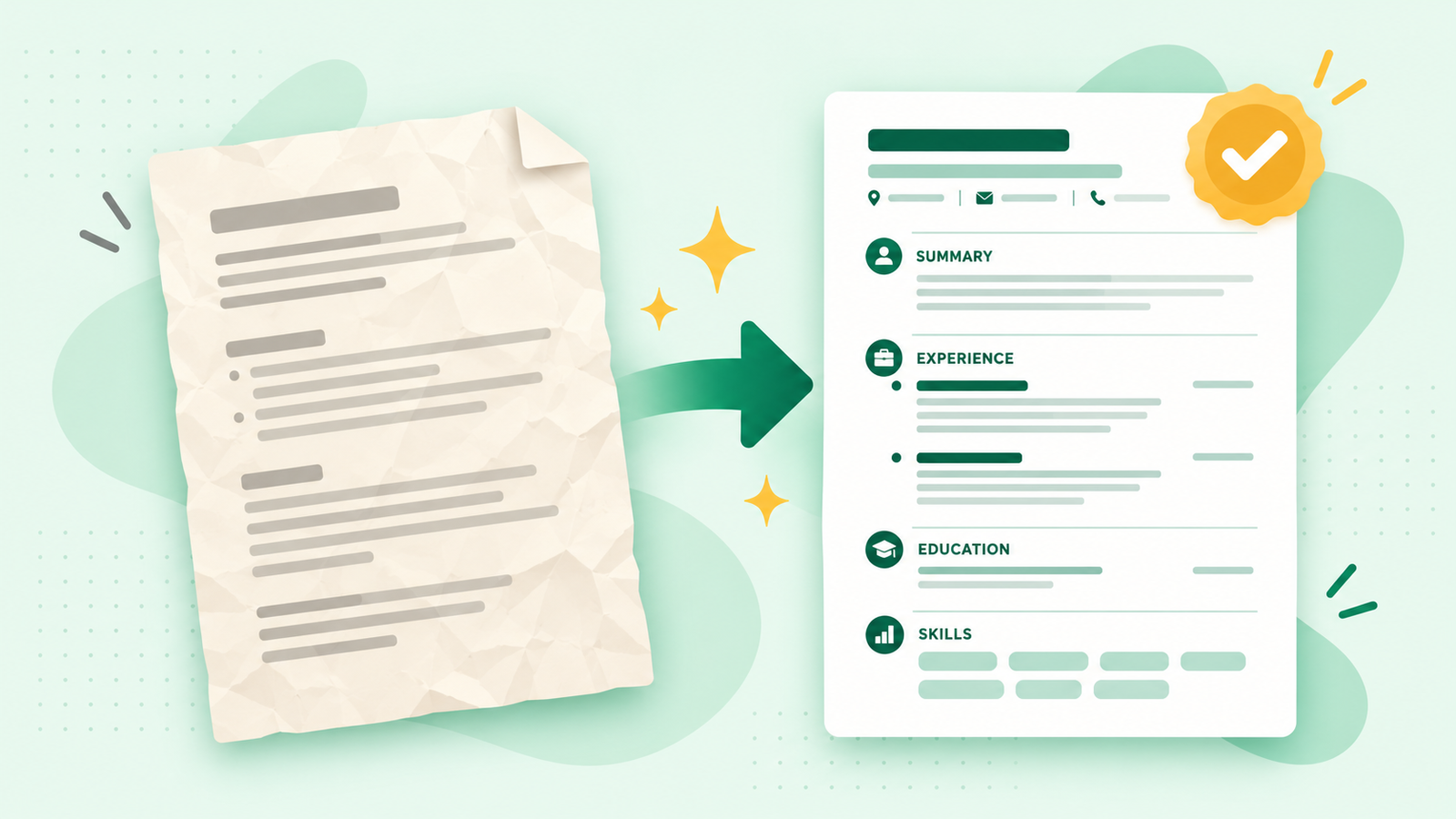
It's been years since you touched your resume, and now you need it. Maybe a job is posted that looks perfect, or a friend offered to pass your name along. Staring at an old document and wondering where to start is no fun. Here's how to update your resume with Claude, in about 10 minutes, without starting from scratch.
What you need
A free Claude account is fine. Go to claude.ai, sign in, and type in the box. Have your current resume handy as a Word file or a PDF. If you don't have one, you can type or paste in a rough list of your jobs and what you did, and Claude will work from that.
The steps
- Take your contact details off first. Delete your home address, phone number, and email from the top of the copy you're going to share. Claude doesn't need them, and you can add them back at the end. Leave your name off too if you like. A copy with no personal details is perfectly good for this.
- Add your resume. Click the "+" button in the chat box and choose to add a file, or just drag the file into the window. Claude can read both Word files and PDFs. You can also paste the text straight into the box.
- Tell Claude what you want. Copy this and change the brackets:
Here is my resume. I'm applying for [the kind of job], and I haven't updated this in [number] years. Please rewrite it so it sounds current and confident, and keep it to one page. Don't make up anything: if something is unclear, ask me before you add it. Start by telling me what looks out of date.
- Answer its questions. Claude will usually ask about gaps or vague spots: "What did you actually accomplish in that role?" Answer in your own plain words, even rough ones. This is where your resume gets better.
- Ask for the finished version. Say: "Now put it all together as a clean resume I can copy into a document." Then paste it into Word or Google Docs and put your contact details back.
Check the answer
This part matters most. Read every line and ask yourself: is this true, and is it me? Claude is good at making things sound polished, but it can occasionally stretch a point or pick a stronger word than you'd really use. Check dates, job titles, and any numbers against what you know. If something is off, say so: "I didn't manage a team, I helped train new hires. Please fix that line."
If it sounds too fancy, try: "Use simpler words, the way I'd say it out loud."
Make it yours
Here's a job posting I'm interested in. Which parts of my resume should I move up or play up to match it?
Write a short summary for the top of my resume, 2 or 3 sentences, based on what's below.
I took 6 years off to care for family. Help me explain that gap in one honest, positive line.
What to leave out
Skip your Social Security number, date of birth, and any ID numbers. A resume doesn't need them, and they shouldn't go into any chat. Leave out private details about former coworkers or clients, too.
Want to watch this done start to finish? I show tasks like this on the YouTube channel @DoWithClaude, one simple task at a time.