 Do With Claude
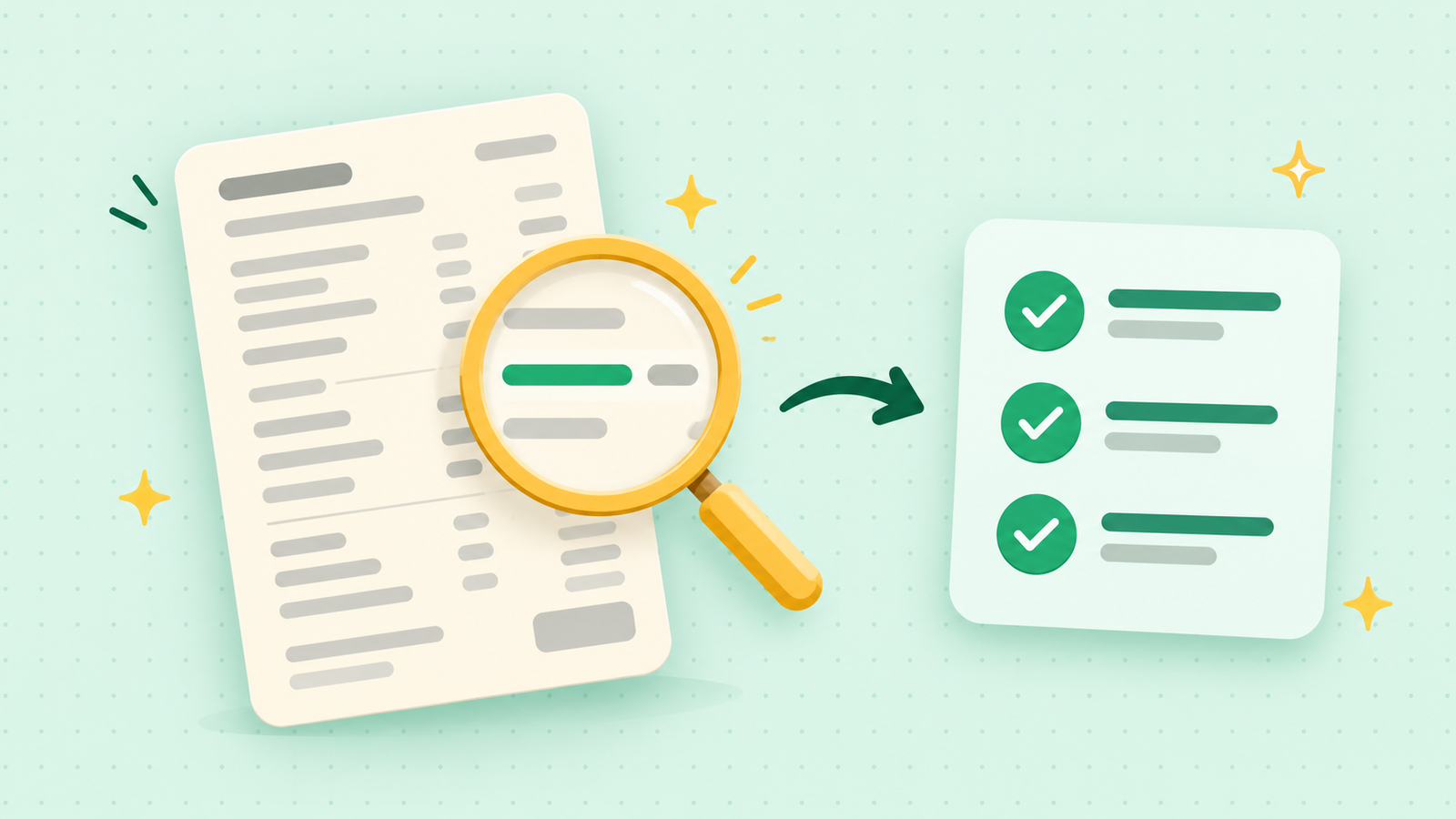
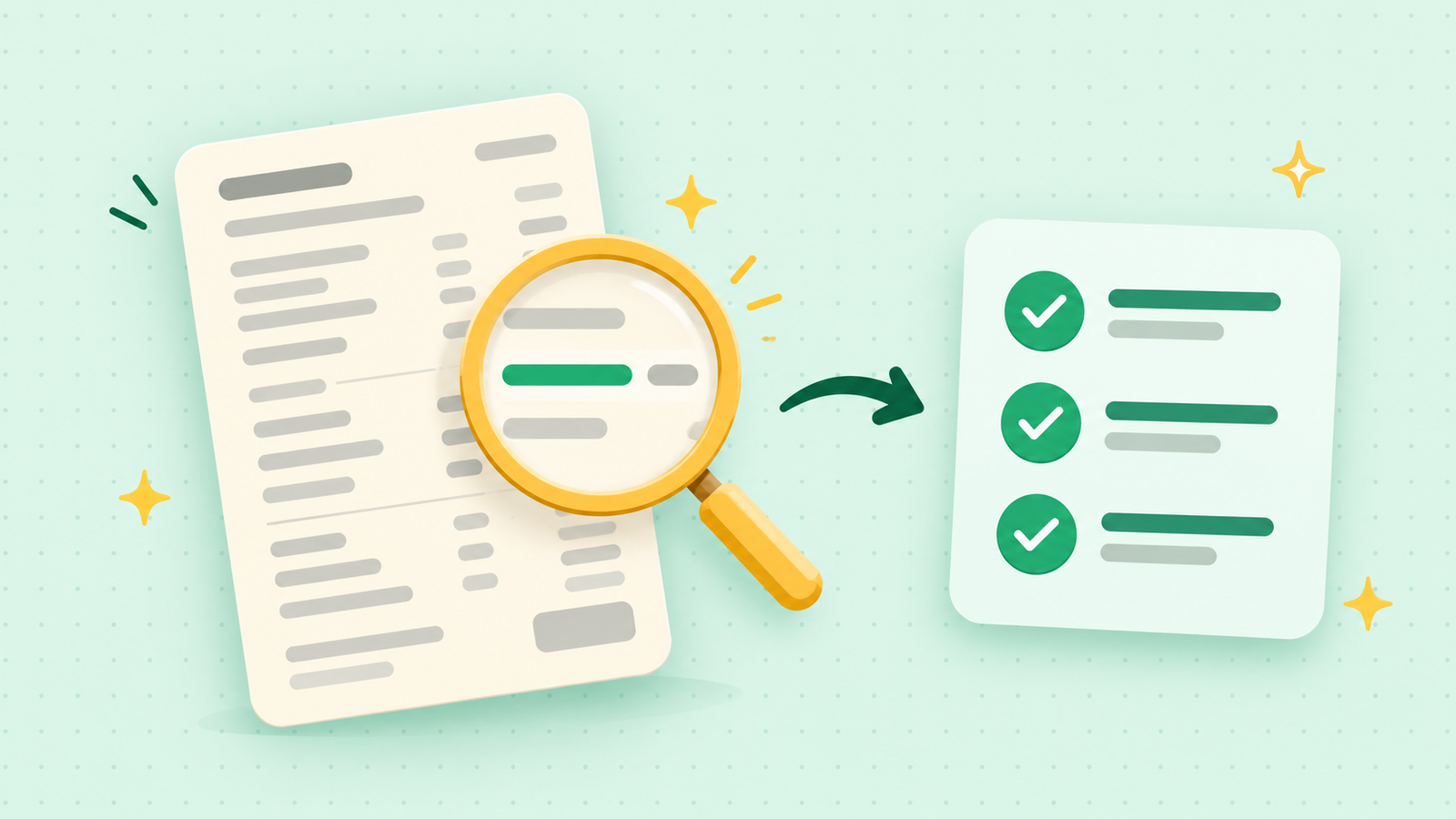
You open a bill, the total is higher than you expected, and the lines underneath might as well be in another language. Most of us pay it anyway, because checking it feels like a chore. Here's how to check a bill for mistakes with Claude, so you can understand every line and know exactly what to ask about. It takes about 5 minutes.
What you need
- A bill you want to understand: a phone, internet, electric, or water bill works well. A paper one is fine.
- Claude, on the free plan. Go to claude.ai, sign in, and you'll see the box where you type.
- Your phone or scanner, if the bill is on paper. A clear photo works.
First, blank out the private parts
Claude doesn't need your account details to read a bill. It only needs the lines and the amounts. Before you upload anything, cover or cross out:
- Your account number, and any payment or card numbers
- Your full name and street address
- Any password, PIN, or login code printed on it
On a paper bill, put a sticky note or your thumb over those spots before you take the photo. On a PDF, you can type "XXXX" over them or just copy the lines you want into the chat. If the bill is hard to read without those parts, pick a different bill. There's always another one.
The steps
- Start a new chat. Open Claude and start a fresh conversation.
- Add the bill. Click the "+" button next to the box, choose "Add files or photos," and pick your photo or PDF. Claude can read photos (JPEG, PNG, GIF, and WebP) and PDFs. If you'd rather not upload anything, you can type or paste the line items instead.
- Type this and press Enter:
Here's my [phone / electric / internet] bill. I've blanked out my account details. Please go through it line by line and explain what each charge is in plain English, like I've never seen a bill like this before. Then tell me which charges look unusual, new, or higher than I'd expect, and what I should ask the company about.
- Read the answer. Claude will walk through each line and flag anything that looks odd, like a fee you don't recognize or a charge that appears twice.
- Ask a follow-up if something's unclear. You can ask the same question again in different words. "Explain that more simply" always works.
Check the answer
This part matters. Claude can misread a blurry photo or slip on arithmetic, so treat what it says as a list of questions, not a verdict.
- Look at the line it's talking about. Find it on your actual bill and make sure the number matches.
- Add up the key totals yourself. Use your phone's calculator for the lines it flagged.
- Call the company with your questions. The company is the one who can say whether a charge is right. Having Claude's short list in your hand makes that call much quicker.
If a number looks wrong, ask: "Check that total again and show me your math."
Make it yours
Once you've done it once, the same idea works for other jobs:
Here's this month's bill and last month's. What changed between them, and why might my total have gone up?
Look at these charges and tell me which ones look like monthly subscriptions or add-ons I might not need.
Write me a short, polite script for calling the company to ask about the [charge name] on my bill.
What to leave out
Leave out account numbers, card numbers, passwords, and anyone else's private details. If a bill has them, cover them first. You don't lose anything, because Claude only needs the amounts and descriptions.
If you'd like to see this done on screen, once through from start to finish, I walk through everyday tasks like this on the YouTube channel, @DoWithClaude.