 Do With Claude
Claude can now look at your bank and credit card accounts and answer questions about your spending. Anthropic calls the new feature Personal Finance in Claude, and it started rolling out this week as a beta (an early test version). If you've ever wondered "where did my money go this month?", this is aimed squarely at you. Here's what it does, what it can see, and what to think about before you connect anything.
What actually changed
Until now, if you wanted Claude's help with your money, you had to type numbers in or upload a statement. Personal Finance lets you link your accounts instead, so Claude works from your real balances and transactions.
The link goes through a company called Plaid, a service that connects apps to banks. You sign in to your bank on the Plaid screen and approve access there. Anthropic says Claude never asks for or sees your bank password.
Once connected, you can ask things in plain language. For example:
- Where did my money go this month? Claude adds up your spending and sorts it into groups like rent and utilities, food and drink, and shopping.
- Is that more than usual? Claude compares with earlier months.
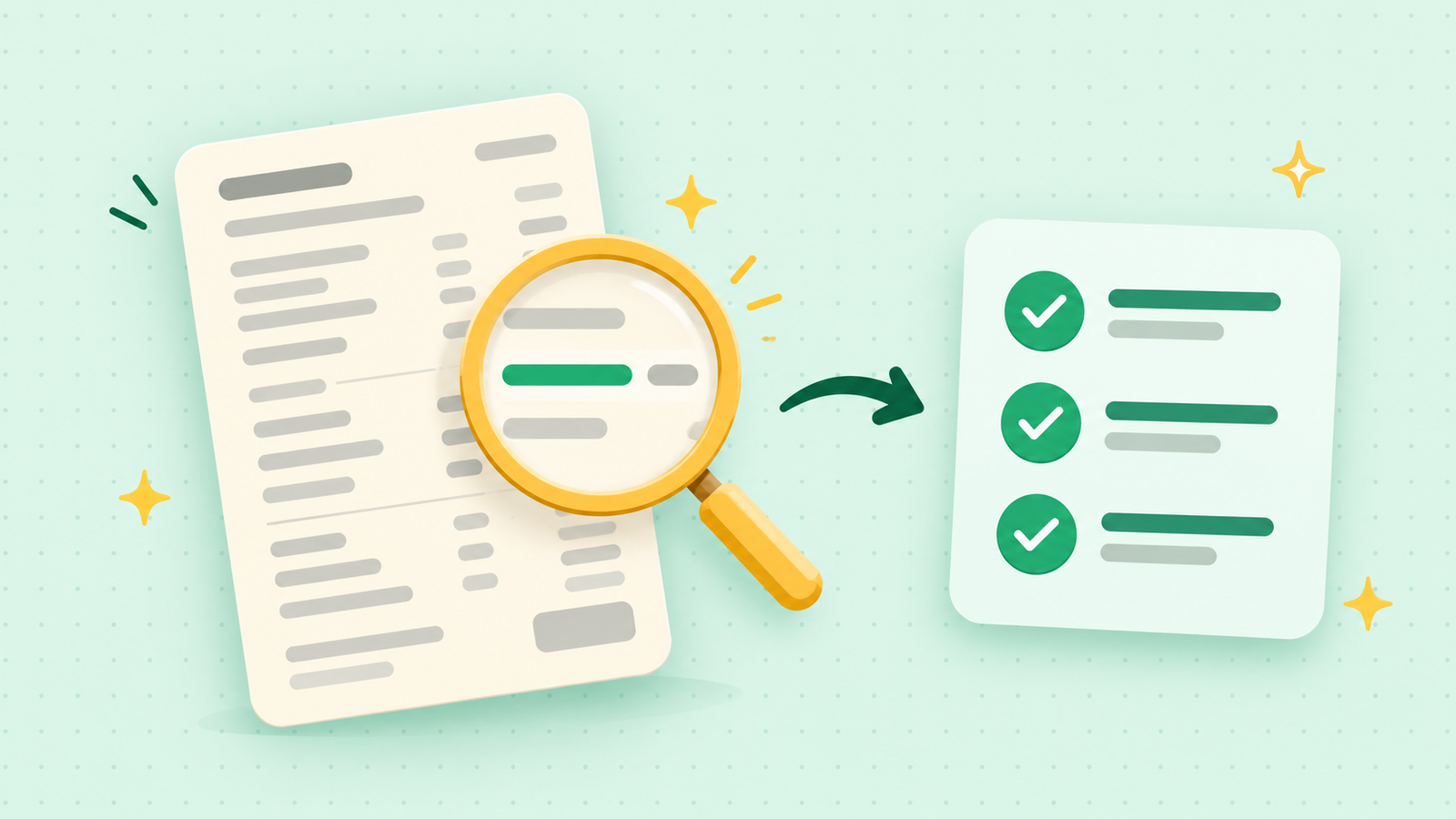
- Anything odd? Claude can flag possible duplicate charges, unexpected fees, and bills that have crept up over time.
- What does APR mean? Claude explains financial terms and can work out how much interest you were charged.
It can also build charts, a calendar of upcoming payments, or a dashboard you keep adjusting.
What it means for you
At home, this could save a lot of squinting at statements. A steadily rising bill or a double charge is easy to miss in a long list, and spotting those is something Claude can do quickly. Anyone who keeps a budget, or keeps meaning to start one, may find it handy.
If you don't use online banking much, or you'd rather keep your accounts to yourself, you won't notice any change. Nothing is switched on automatically. You choose to open Personal Finance and you choose which accounts to connect.
What Claude can see, and what it can't do
Anthropic says Claude sees only the accounts you pick. For each one, that means the bank's name, the account name and type, the last four digits of the account number, the balance, any credit limit, and up to two years of transactions.
Access is read-only. Claude can't move, manage or invest your money. It also isn't built to give investment advice, and Anthropic says there are no ads or sponsored recommendations in it. Claude doesn't offer its own credit cards, loans or savings accounts either.
The catch, and what to watch
- It's US only, for now. The beta is for people in the United States.
- It needs a paid plan. It's available on Pro, Max and Ultra. The free plan doesn't include it.
- Privacy. Anthropic says conversations in the Personal Finance section aren't used to train its models. Chats outside that section follow your normal privacy settings, so keep money talk inside the Personal Finance area if you connect an account.
- Disconnecting. You can unlink an account at any time, and Claude then loses access to its data. What happens to older conversations after you unlink isn't spelled out, so check Anthropic's Help Center before you rely on it.
- Mistakes happen. Claude can get things wrong. If a number looks off, ask which transactions make it up. Check anything important against your bank.
And for bigger decisions, like retirement, big purchases or debt, treat Claude as a way to understand your numbers and get your questions ready. The decision belongs to you and a licensed professional.
What to do now
If you're curious, there's no rush. A beta can change, and it's perfectly fine to wait and see how others get on. If you do want to try it, open Personal Finance in Claude's sidebar, connect one account first, and start with a simple question. Think about whether you're comfortable sharing that account before you link it.
If you'd rather not connect anything, you can still get help with money questions by typing in a few made-up or rounded numbers. And if you'd like to see this kind of thing done on screen, I walk through new Claude features step by step on the YouTube channel @DoWithClaude.