 Do With Claude
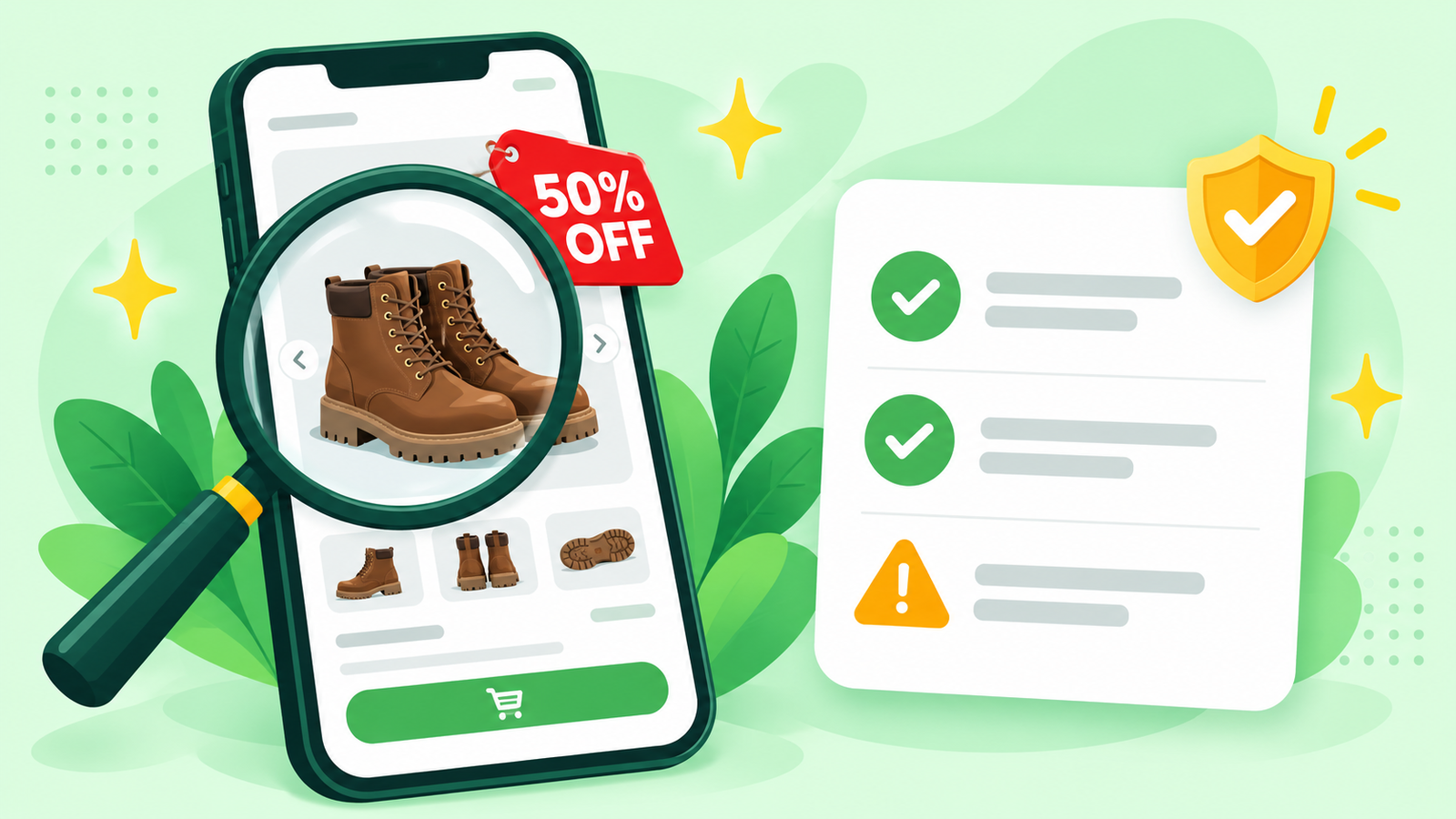
You spotted it in an ad or a search result: the boots you wanted, half price, from a shop you've never heard of. Is it a real bargain or a fake store that takes your money and ships nothing? Fake shops pop up every year as holiday shopping starts. Here's how to check if an online store is real with Claude, in about 3 minutes, before you type in a card number.
What you need
A free Claude account is fine. Go to claude.ai, sign in, and type in the box. Have the store open in another tab or on your phone so you can copy a few things from it.
The steps
- Copy the web address. Click the address bar at the top of the store's page and copy the whole thing. On a phone, press and hold the address to copy it.
- Grab what the store says about itself. Scroll to the bottom of the page and look for "About us," "Contact," and "Returns." Copy what's there, or take a screenshot. A screenshot of the product page with the price is useful too. In Claude, click the "+" button in the chat box to add a screenshot.
- Ask Claude to look it over. Paste this and fill in the brackets:
I'm thinking of buying [the item] for [the price] from this online store: [paste the web address]. Below is what the store says about itself. I've never heard of it. List any warning signs that this could be a fake store, explain each one in plain words, and tell me what I should check myself before I pay. Here's the store's information: [paste it, or attach the screenshot]
- Read the warning signs. Claude will point out things like a price far below everywhere else, a web address that copies a famous brand with an extra word or odd ending, no real phone number or street address, spelling mistakes, a returns policy that says you pay to ship back overseas, or "today only" pressure.
- Ask the follow-up. If something worries you, ask: "If I still want to buy, what's the safest way to pay?" The usual answer is a credit card, not a debit card, a bank transfer, a gift card, or an app like Zelle, because a credit card lets you dispute a charge.
Check the answer
This part matters most. Claude is good at spotting the patterns fake shops use, but it can't promise a store is safe, and a brand-new fake can look clean. So do two quick checks of your own:
- Search the store's name plus the word "reviews" or "scam" and see what real buyers say. No results at all is a warning sign too.
- If the store claims to sell a big brand, go to that brand's own website, type the address yourself, and see if the store is listed as a seller or if the same item is there.
If Claude and your own checks both look fine, buy with a credit card. If anything feels off, walk away. A missed bargain costs you nothing.
Make it yours
I got this email about an order I don't remember placing. Is it a real shipping notice or a trick to get me to click? [paste the email]
This Facebook ad says the store is closing and everything is 80% off. What are the warning signs in it? [attach a screenshot]
I already paid this store and nothing came. Write me a short, clear message to my credit card company asking to dispute the charge.
What to leave out
Never paste your card number, the code on the back, your bank login, or any one-time code into a chat. Claude doesn't need them to check a store. If you've already entered your card on a store you now think is fake, call the number on the back of your card right away.
Want to watch this done start to finish? I show tasks like this on the YouTube channel @DoWithClaude, one simple task at a time.