 Do With Claude
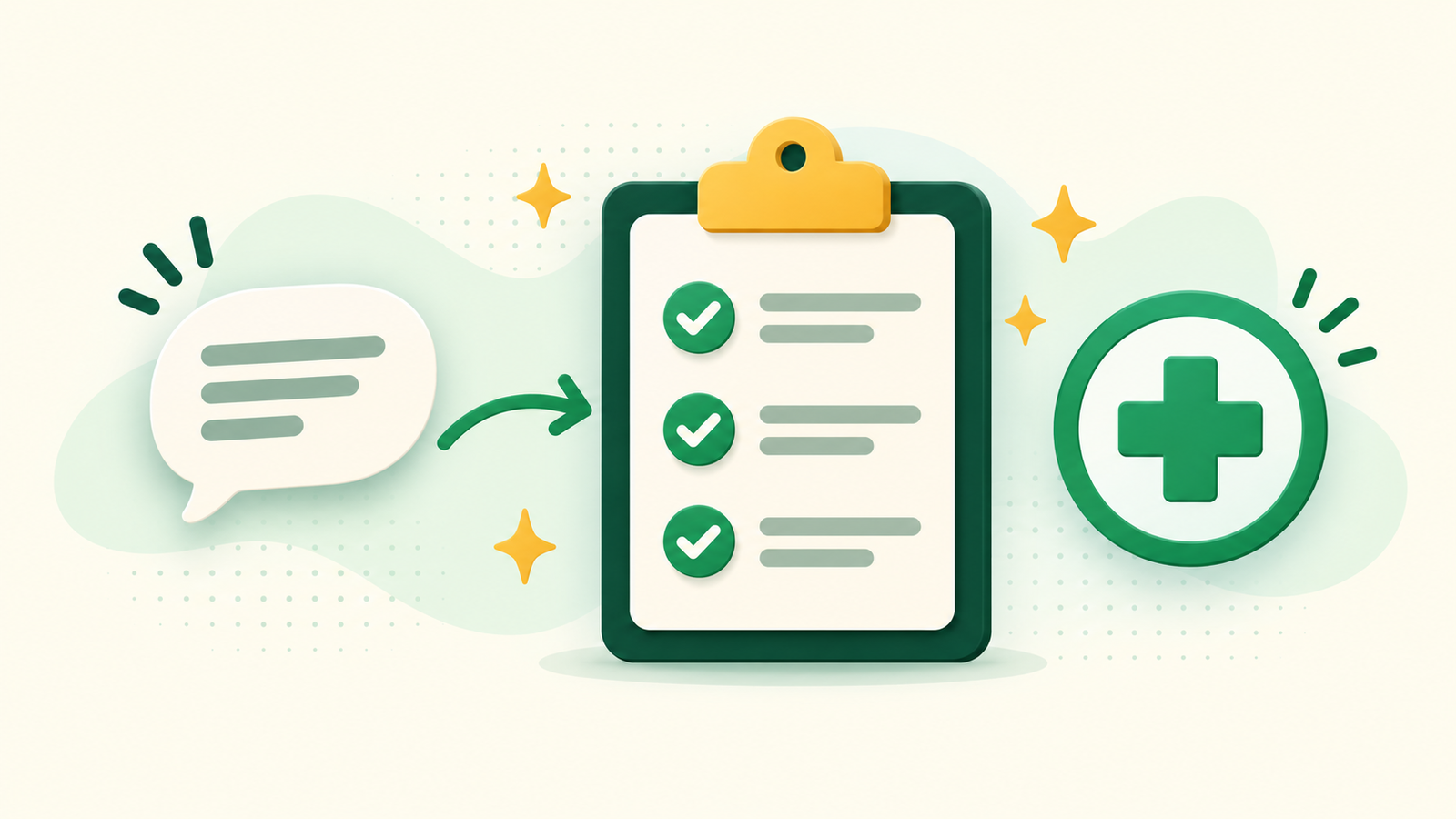
You get 15 minutes with the doctor, your mind goes blank, and you remember the important question in the parking lot. It happens to nearly everyone. Here's how to prepare for a doctor's appointment with Claude so that doesn't happen again. You tell Claude, in your own words, what's been going on. It asks you a few questions, then hands you a short, clear list to bring with you. It takes about 5 minutes.
One thing up front. Claude isn't your doctor and it won't diagnose you. Its job here is smaller and more useful: helping you get your thoughts in order so the doctor's time goes further.
What you need
The free Claude plan is plenty. Go to claude.ai (or open the Claude app on your phone), sign in, and you'll see a box to type in. That's all. Have a rough idea of the appointment (a checkup, a follow-up, something new that's bothering you) and a few minutes.
Step by step: get your questions ready
- Leave out the private details. Claude doesn't need your name, birth date, address, Social Security or Medicare number, insurance ID, or any record numbers. Just describe what's going on, the way you'd tell a friend.
- Tell Claude what the visit is about. Type something like this, and put your own details in the brackets:
I have a doctor's appointment next week about [what's bothering you, in your own words, like "a cough that won't go away" or "my yearly checkup"]. Please help me get ready. Ask me, one at a time, the questions a doctor is likely to ask me, so I can think about my answers ahead of time.
- Answer Claude's questions. Short answers are fine. When did it start? Does anything make it better or worse? Are you taking any medicines or vitamins? "I'm not sure" is a perfectly good answer, and Claude will keep going.
- Ask for your one-page list. When you've answered everything, type:
Please put what I told you into a one-page summary I can hand to my doctor: what's going on, when it started, what I've tried, and my medicines. Then add a short list of questions I should ask at this visit, in plain English.
- Save it where you'll find it. Copy it into a note on your phone, or into a document you can print. Bring it, and don't be shy about pulling it out. Doctors tend to be glad when a patient shows up prepared.
Check the answer before you rely on it
Read the summary and the list once, slowly. Does it say what you actually told Claude? If it got something wrong, just say so: "I said it started two weeks ago, not two days." Claude will fix it. Cross out any question that doesn't matter to you, and add the ones that do.
And here's the honest limit. Claude can help you understand a term or think of a question. It can also be wrong, and it can't examine you. So treat its suggestions as a list of things to ask, not as answers. The doctor makes the call. If something feels urgent, don't wait for the appointment. Call the office, or get help right away.
Make it yours: more ways to use it
The same idea works for lots of visits. Try these:
I'm going to see a specialist for [the reason]. What are good questions to ask at a first visit, and what should I bring with me?
My doctor said "[the word or phrase you didn't understand]." Can you explain what that means in simple terms, and what I might ask next time?
I'm helping a parent get ready for an appointment. Here's what they've noticed: [describe it]. Please help me write down the key points and a few questions to ask.
The second one is handy after the visit too, when you've left with a word you didn't catch.
What to leave out
Skip your full name, date of birth, insurance and Medicare numbers, and anything with a record or account number on it. If you want to paste in a note or a form, type XXXX over those parts first. Same goes for other people's private details, so describe a family member as "a parent" instead of using a name.
Seeing the whole thing done helps more than reading about it. I walk through getting ready for an appointment, one prompt at a time, on YouTube at @DoWithClaude, so your next visit feels a lot less rushed.