 Do With Claude
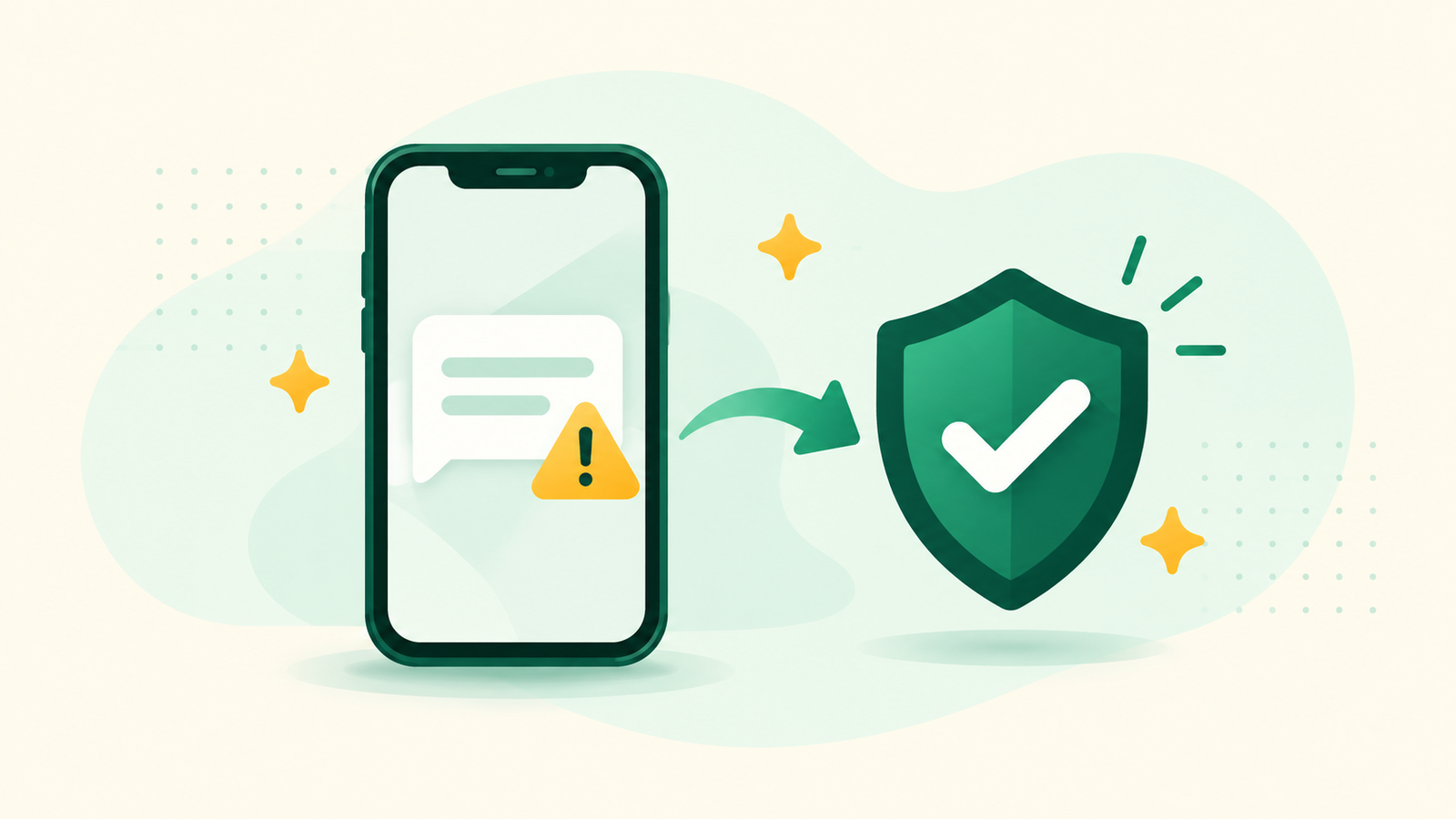
"Your package couldn't be delivered." "Unusual activity on your account." "You owe a toll, pay today to avoid a fee." If you've ever stared at a message like that and wondered whether it's real, here's how to check if a text is a scam with Claude. You copy the message, paste it in, and ask. In about 2 minutes you get a plain-English list of the warning signs and the safe way to find out for sure, and you never have to tap the link.
Think of it as a calm friend to ask before you do anything. It won't panic, it won't judge, and you can ask as many follow-up questions as you like.
What you need
The free Claude plan is enough. Go to claude.ai (or open the Claude app on your phone), sign in, and you'll see a box to type in. Have the suspicious message open on your phone or computer.
Step by step: ask Claude if a message is a scam
- Don't tap anything in the message. No links, no "reply STOP," no calling the number in it. Just leave it sitting there.
- Copy the words of the message. Press and hold on the text (on a phone) or highlight it (on a computer) and choose Copy. If copying is fiddly, you can take a screenshot instead and add it to Claude with the + button next to the chat box.
- Blank out anything personal. If the message includes your name, part of an account number, or an address, type XXXX over it before you paste. Claude doesn't need it to spot a scam.
- Paste it into Claude with this question:
I got this message and I'm not sure if it's real or a scam. Please tell me in plain English what looks suspicious, what looks normal, and how I can safely check whether it's real without clicking anything in it. Here's the message: [paste the message here]
- Read what Claude points out. Usually that's things like a rush ("pay within 24 hours"), a link that doesn't match the real company's website, a request for a code or a password, an odd greeting, or a payment method no real company asks for, like gift cards.
- Ask a follow-up if anything's unclear. "What does that link mean?" or "Explain that more simply" always works. You can't break anything by asking.
Check the answer before you act on it
Claude is a good second opinion, but it isn't the final word. Scammers copy real companies well, and Claude can be wrong in either direction.
So whatever Claude says, the safe check is always the same: contact the company yourself, using a phone number or website you already trust. The number on the back of your card. The app you already use. The website you type in yourself. Never the number or link inside the message.
If Claude says it looks like a scam, you can simply delete it. And if Claude says it looks fine but you still have a funny feeling, trust the feeling and check directly anyway. It costs you 5 minutes. A mistake can cost a lot more.
Make it yours: more ways to spot a scam
The same idea works for lots of messages. Try these:
Can you search the web and tell me whether this type of message is a known scam going around right now? Here it is: [paste the message]
I got a phone call from someone who said they were from [the bank / Medicare / the IRS] and asked me to [what they asked for]. Does that sound like something a real one would do?
This email says I won a prize and need to pay a fee to claim it. Walk me through why that might be a scam and what I should do with the email: [paste the email]
Free Claude can search the web, so the first one can catch scams that are going around right now. Look at the sources Claude shows you when it does.
What to leave out
Never paste passwords, verification codes, full card or account numbers, or your Social Security or Medicare number. Not into Claude, and definitely not back to the person who messaged you. If a message asks you for any of those, that by itself is a big warning sign.
Seeing it done helps, and it helps to see a few real-looking fakes side by side. I walk through spotting scam texts, one message at a time, on YouTube at @DoWithClaude, so the next one you get feels a lot less scary.