 Do With Claude

Anthropic has started rolling out Claude Meetings, a beta feature that lets Claude join your Google Meet video calls, listen, take notes and answer questions while people talk. If your workplace uses Claude on a Team or Enterprise plan, this could land in your calendar soon, so it helps to know what it does and what it doesn't.
What actually changed
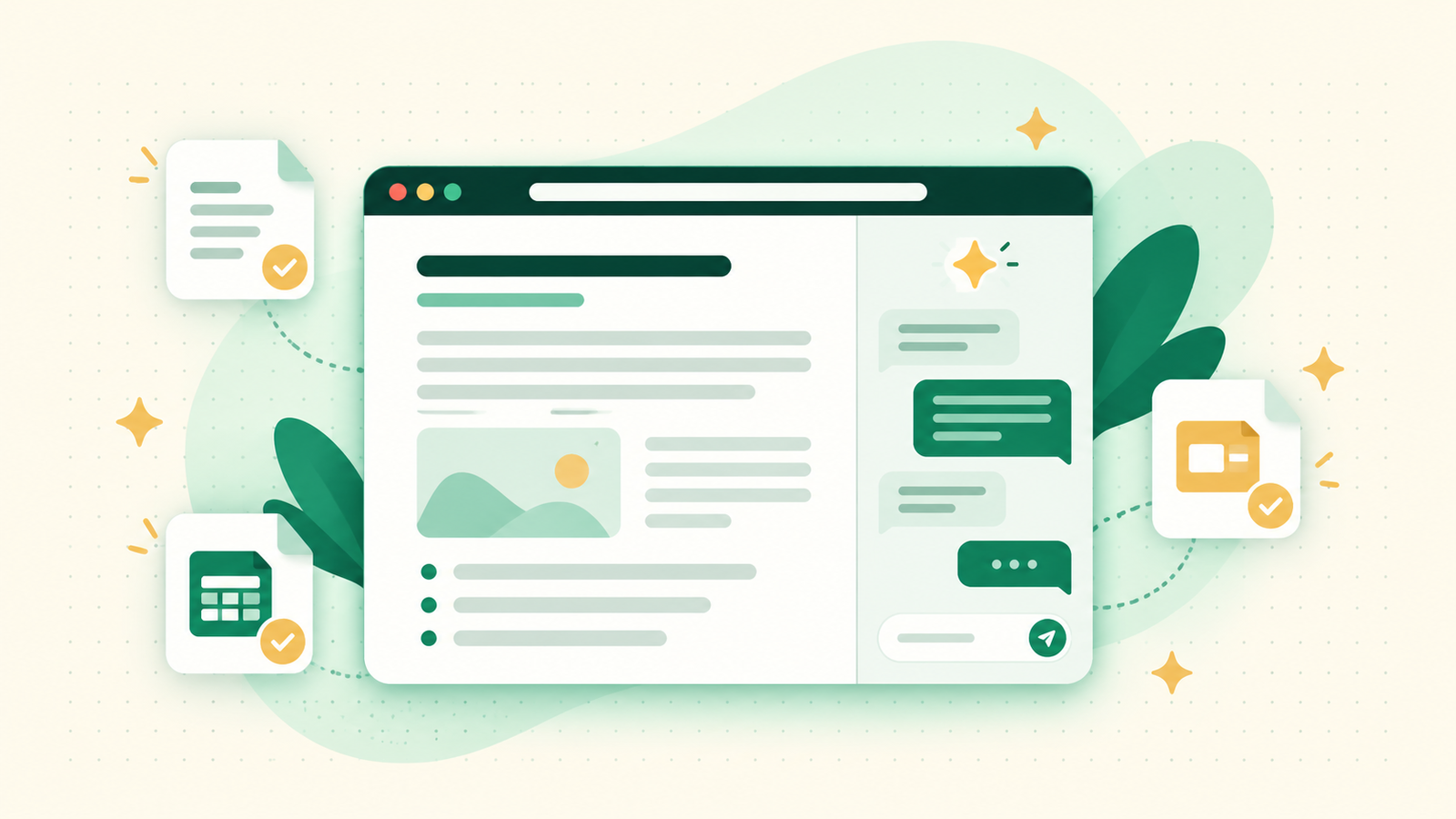
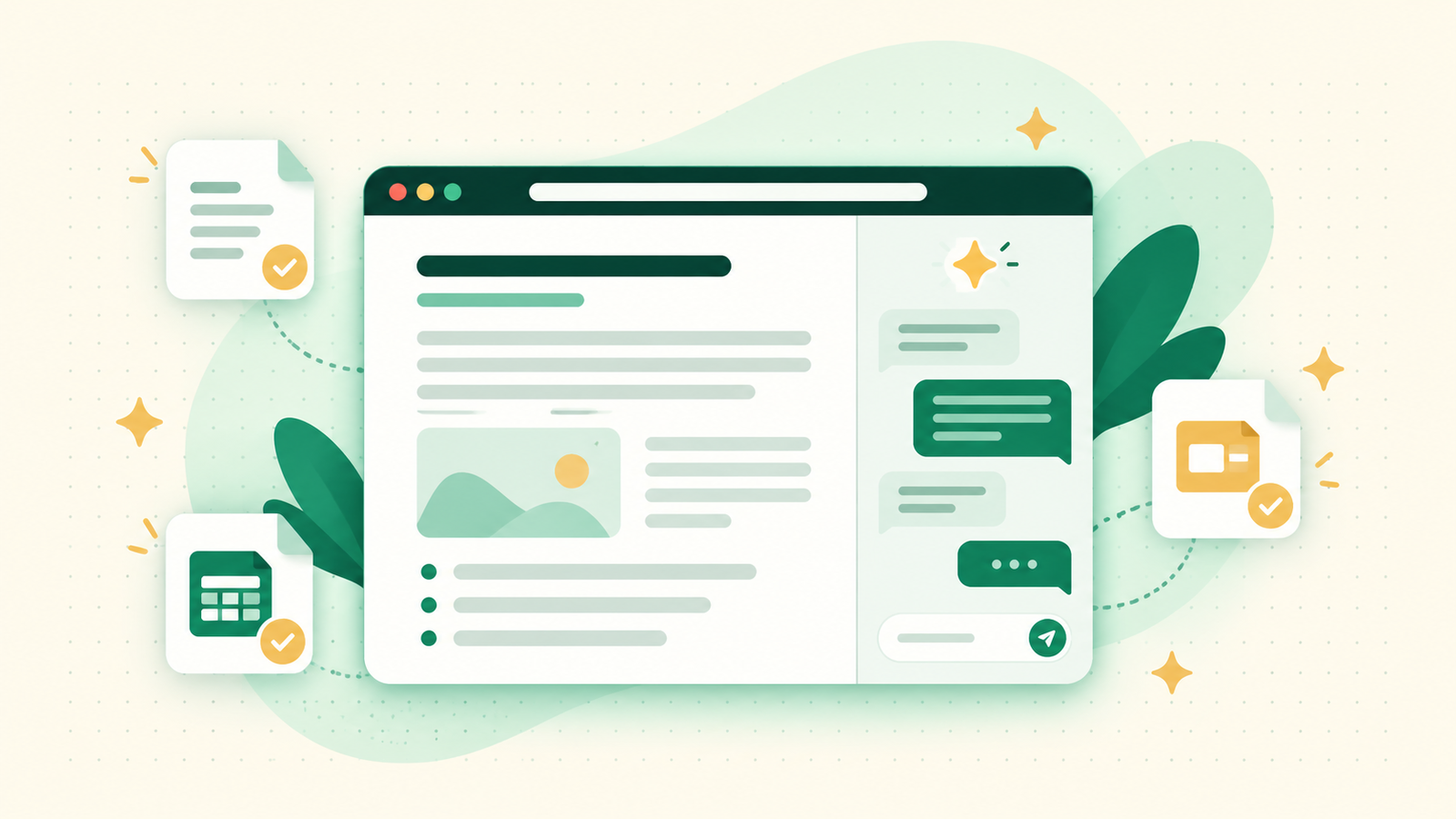
Until now, Claude could help you before or after a meeting. Now it can sit in the call itself. Claude shows up as a visible participant, with its own tile on screen and a notice posted in the call's chat, so nobody is surprised by it.
During the call, you can say "Claude" followed by a question, or type the question in the Meet chat. Answers appear in the chat by default. You can also ask it to make something while people are talking, such as a document, a whiteboard or slides. Afterward, there is a meeting page with a summary, a list of action items, the full transcript and everything Claude made. People from your organization who were on the invite also get a recap email.
Claude can stay in a call for up to 8 hours. You can ask it to pause listening or to leave at any point.
What it means for you at work and at home
This is a workplace feature. It is in beta on Team and Enterprise plans, in Claude and Claude Desktop. Anthropic's help pages don't list it for the free, Pro or Max plans, so if you use Claude on your own at home, you won't see it.
If you do use Claude through work, the people who benefit most are those who sit in a lot of calls and lose track of who promised what. A clean list of action items after a call is the sort of thing that is easy to forget to write down. If you've already been pasting your own meeting notes into Claude, this does that step for you.
Some organizations won't get it at all, including those with zero data retention, HIPAA-ready setups or customer-managed encryption keys.
The catch, and what to watch
- Everyone on the call should agree to be transcribed. Anthropic's own instructions say this before you add Claude. Tell people first, rather than letting them find out when a new participant appears.
- Claude saves a transcript, a summary and descriptions of what was on screen. It does not save audio. The help page doesn't give a time limit for how long those are kept, so ask your administrator if that matters for your work.
- The Meet chat is public to the call. Anything Claude posts there, everyone on the call sees.
- Outside guests. On Team plans, calls with outsiders are allowed by default, and an owner can turn that off. On Enterprise plans, an owner has to allow it first. When it is allowed, Claude listens and takes notes but doesn't answer, and guests don't get the meeting page or recap email. When it isn't allowed, Claude stays out of the call, or leaves if an outsider joins later.
- Connected tools. Claude can use your connected tools, like sending a message in a chat app, but only with your permission. It asks the first time. Using them counts toward usage and can cost your organization money.
- Cost. Notes, transcripts and answers that don't use connected tools are included. Docs and whiteboards made in meetings are free through February 10, 2027.
It also only works with Google Meet for now. And because it is a beta, expect things to change.
What to do now
If you aren't on a Team or Enterprise plan, nothing. If you are, the setup depends on your plan. On Team plans, it is on by default and an owner can turn it off. On Enterprise plans, an owner has to switch it on first. If you're an owner, check the settings before your staff find it on their own.
To try it, open Meetings in Claude, connect your Google Calendar, pick a meeting and choose Add Claude. Start with a low-stakes internal meeting, and tell everyone on the call beforehand. As always, read the notes before you send them to anyone. Claude can mishear a name or a date, and the notes are only as good as the audio.
If you'd like to see features like this explained on screen, I walk through them step by step on the YouTube channel @DoWithClaude.