 Do With Claude
If your company gives you Claude through a Claude Enterprise plan, your employer just got a new tool: smart reports. Anthropic made them generally available on October 28, 2026. They give your company a summary of how teams use Claude at work, and that naturally raises a question: can my boss see what I type?
The short answer, going by Anthropic's own pages, is "not by default, and not for judging you." Here is what that means in plain terms.
What actually changed
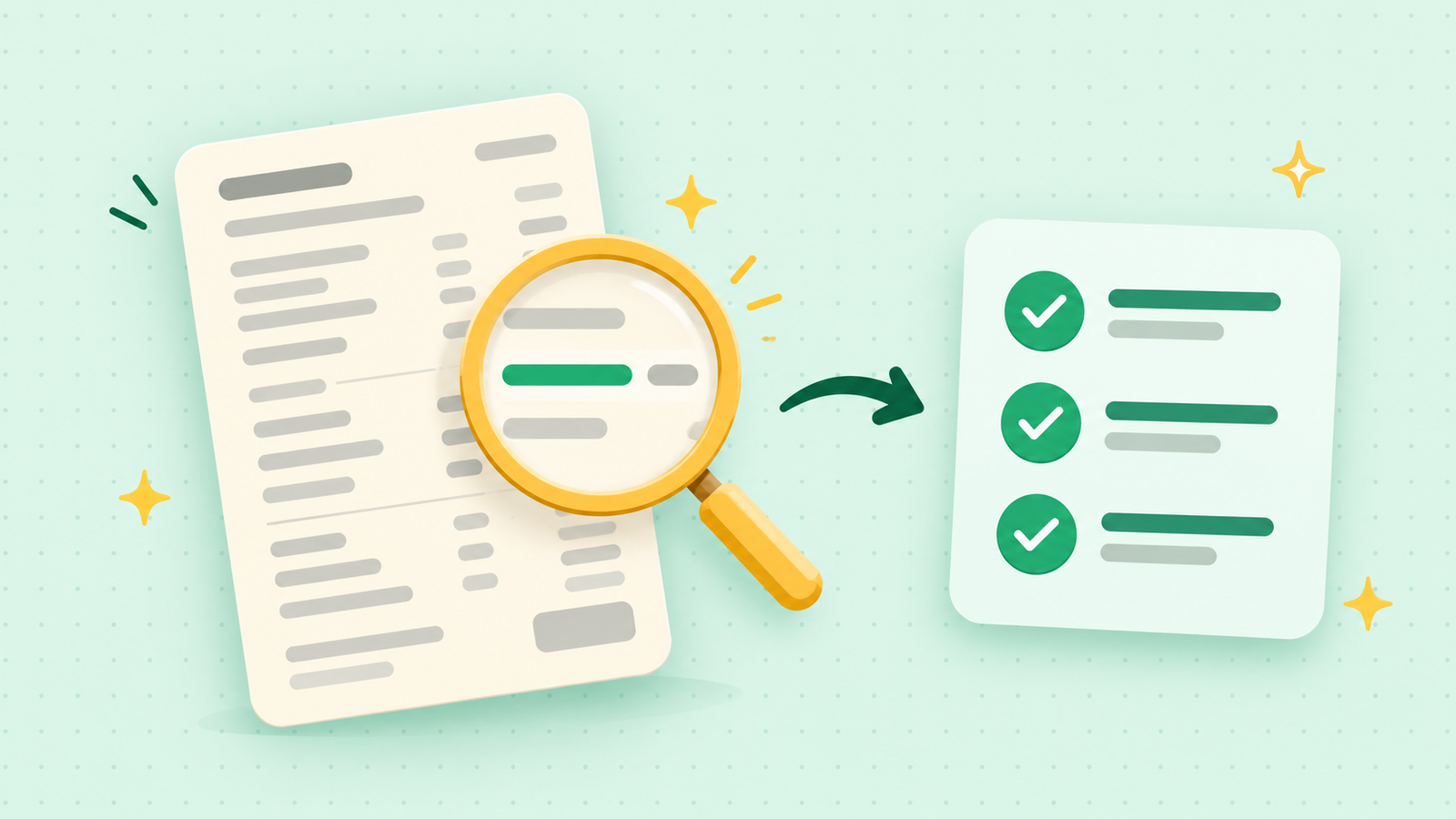
A smart report is a summary an administrator asks Claude to build for a team. The administrator picks the team, a date range of up to the last 28 days, and which Claude products to include. Claude then reads a sample of that team's conversations and sorts the work into groups, such as "drafting customer emails" or "summarizing meeting notes."
For each group, the report shows what was produced, what it cost, and where people got stuck, for example a missing connection to another tool. It finishes with one list of suggestions for working better.
Two other Enterprise features arrived at the same time. In-app surveys show you a short card after a reply, asking things like what was your most valuable recent use of Claude. And shared group budgets give a whole team one monthly usage allowance, so one busy person is less likely to run out early. If you do run low, you can ask for more from inside Claude, and the request goes to your admins.
What it means for you at work
This only applies if your workplace uses Claude Enterprise, and smart reports are switched off until your company turns them on. If you use the free plan, Pro, or Max on your own, none of this touches you.
If you do use Claude through work, the details of the privacy side are reassuring:
- By default, the reports show the word "User" instead of names, and session IDs are hidden.
- Names can appear only if an administrator turns on a setting called attribution, which is off by default. Even then, the person looking has to choose to reveal a name, and each reveal is logged.
- Conversations about restricted topics, including health, religion, union activity and personal life, are used only in totals. They get no summaries, and nobody can ask custom questions about them.
- Anthropic says smart reports are meant for understanding how Claude is being adopted and planning spending, not for evaluating individual performance or making employment decisions.
The catch
A few honest limits. Your company decides whether to use this, and how its own rules apply is up to them. Anthropic's guidance is a design statement, not a promise about what any particular employer will do. The headlines calling this a way for bosses to catch workers being "off-topic" go further than what Anthropic's pages say, but it is fair to remember that anything typed into a work account belongs to your workplace's setup.
Some company setups can't use smart reports at all, including those with customer-managed encryption keys or a HIPAA configuration.
What to do now
Nothing is required. But a couple of habits are sensible:
- Use your work Claude account for work, and keep personal questions, like your own health or money, in a personal account.
- If you are curious, ask your IT team or manager whether smart reports are turned on and whether names can be shown.
- If a survey card pops up, answering is optional wording about how Claude helps you. Be honest about what is useful.
If you'd like to see how Claude's plans and privacy settings work on screen, I walk through them on the YouTube channel @DoWithClaude.