 Do With Claude
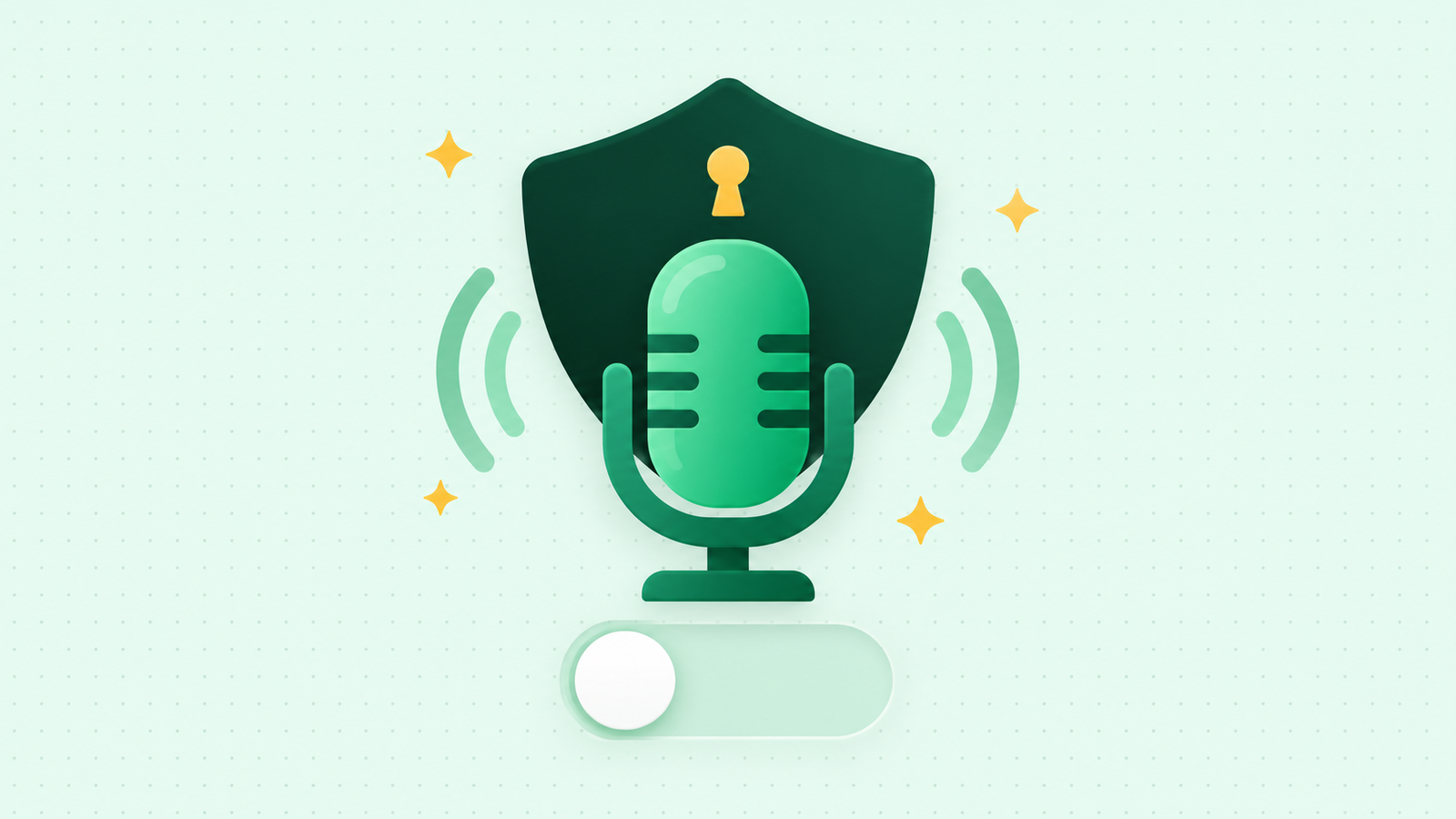
If you talk to Claude out loud, this one is for you. Several news outlets reported this week that Anthropic has started asking Claude users to share their voice conversations to help train its AI. The short version: it's a choice, it's reported to be off unless you say yes, and you can check your own settings in about 2 minutes. Here's what's solid and what isn't.
What's being reported
The reports describe a pop-up that appears when you use Claude's voice features. It asks whether you'll let Anthropic use your voice data to improve its models, with two choices: "Allow" or "Not now." There's also said to be a matching switch in Settings, under Privacy, and it's reported to be separate from the setting that covers your typed chats.
Now the honest part. I checked Anthropic's own help pages and privacy policy today, and none of them mention this new voice option yet. One of them, the page about dictation (speaking your words so Claude types them for you), still says Anthropic doesn't use your voice for training. So treat the new setting as reported, not confirmed, until those pages catch up. It's also not clear yet who sees the pop-up, or how long approved recordings would be kept.
What Anthropic's pages do confirm today
- Voice conversations are saved as text. When you talk to Claude, a written transcript lands in your chat history, just like a typed chat.
- Dictation audio is deleted. After your speech is turned into text, the audio recording is deleted. The text stays, under the normal retention periods.
- Chat training has its own switch. On the free, Pro, and Max plans, there's a setting called "Help improve our AI models." If it's on, your chats can be used for training. If it's off, new chats aren't used for future training.
- Your voice chats count as chats. If that chat-training setting is on, the transcript of a voice conversation can be used like any other chat.
- Incognito chats are left out. Chats you start in incognito mode aren't used to improve Claude, even if the setting is on.
What it means for you
If you never use voice mode, nothing changes. If you do, the thing to know is that voice is a conversation like any other, and what you say out loud is just as personal as what you type. A voice chat is easy to forget about, because you're not looking at the words.
And one thing to watch for: a pop-up like this is easy to tap through when you're busy. "Not now" is the safe answer if you're unsure.
The catch
Turning chat training off isn't a time machine. Anthropic says data already used in training that has started, and models already trained, aren't undone. Conversations flagged by its safety systems can still be used to improve its safety tools. Those are the limits, and they're worth knowing before you decide.
What to do now
- Open Claude, click your name, and choose Settings, then Privacy.
- Look at "Help improve our AI models." Decide whether you want it on or off. Either is fine.
- Scroll that same page for anything about voice. If the new option is there, make the same choice on purpose.
- For a chat you'd rather keep out of training entirely, start it in an incognito chat.
That's it. You can't break anything by looking, and you can change your mind later.
For more plain-English walkthroughs of settings like these, find me on the YouTube channel, @DoWithClaude. Seeing the screen once makes it much easier to find next time.